 Anvil Tools
Test environment
Chrome 154.0.8037.97 and Edge 154.0.4258.53; 1100 × 850 viewport; output independently reopened with pypdf 6.1.1.
Fixture and expected result
Each conversion creates one 640 × 400-point page with one 640 × 400 embedded image. PNG and WebP retain an alpha soft mask; flattened JPEG does not.
Reproduction steps
- Download the three source images.
- Convert each separately with Image to PDF.
- Open the PDF and compare page dimensions and transparency behavior.
- Compare your hash only with the recorded artifact from the same run; fresh PDF bytes may differ.
Observed result
Six downloads—three formats in each browser—matched the expected page dimensions and image dimensions. The recorded source sizes are 16,987-byte JPEG, 18,067-byte PNG, and 8,250-byte lossless WebP.
Downloadable evidence
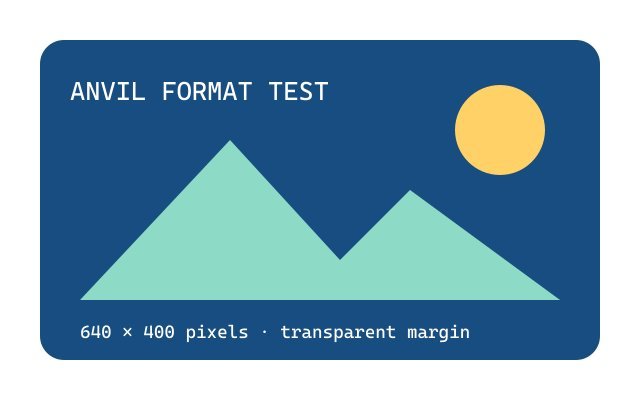
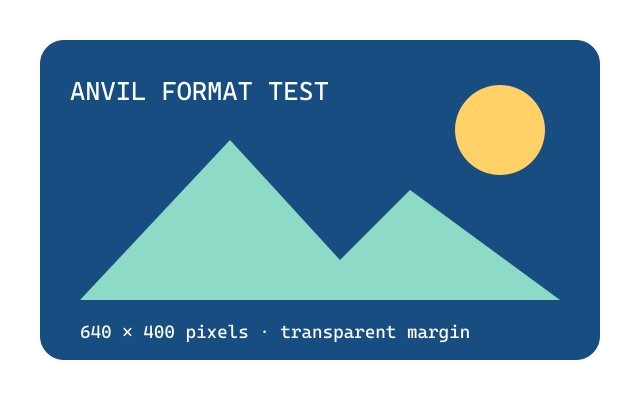
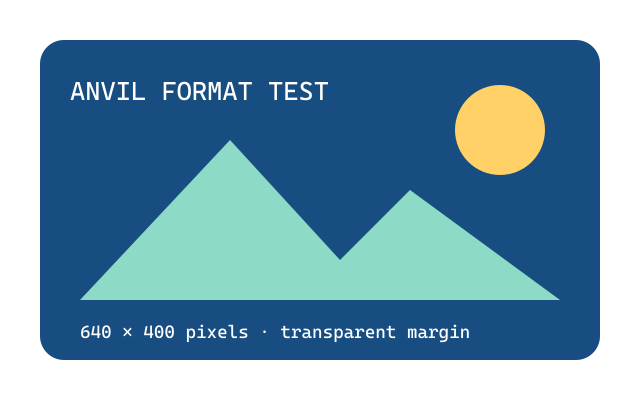
The fixture library publishes SHA-256 hashes for exact-byte verification.
What this test does not establish
This single illustration does not rank formats for every photograph, color profile, encoder, or printer. The PDF contains an image, not searchable text.
Related tool and guide
Image to PDF Converter · Why Image-to-PDF Files Have Giant Pages
Change history
- : Structured data, image dimensions, and fixture links reviewed.
- : Report organized under Anvil Tools Lab; evidence and limitations reviewed.